Mission
To ensure that every individual in our community receives continuous, compassionate, and coordinated care — regardless of geography, income, or mobility constraints.

LifeBridge® SaaS brings caregivers together as a unified team and equips schedulers with the tools to manage flexible, personalized visits across independent living communities with ease
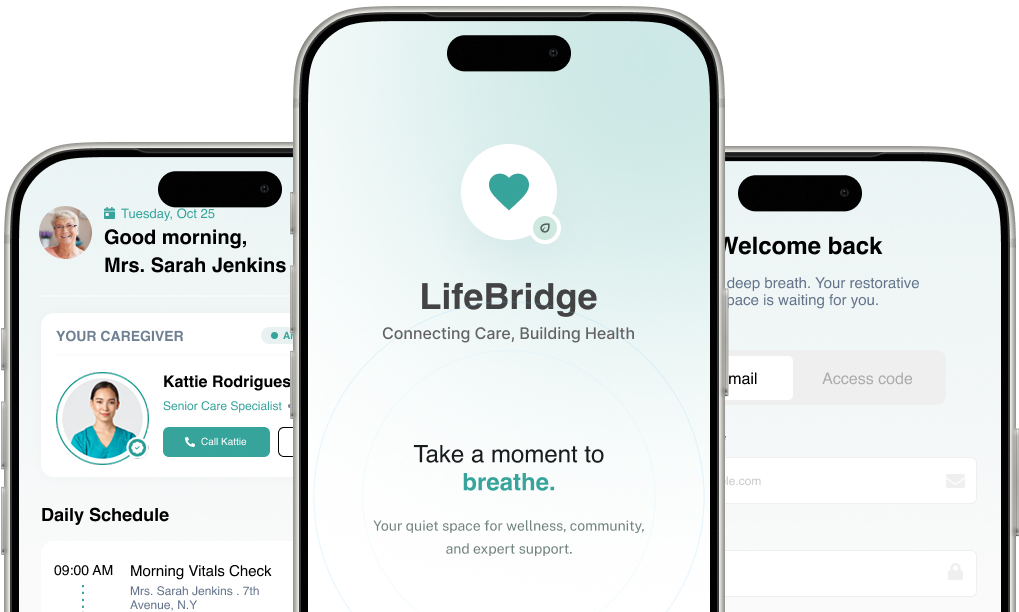
LifeBridge Community Care Management is a purpose-built digital platform designed to unify the fragmented ecosystem of community healthcare. Serving urban and semi-urban populations with limited access to traditional hospital-based care, LifeBridge bridges the gap between administrative oversight, frontline caregivers, and the patients they serve.
This case study examines three core stakeholder groups — Administrators, Caregivers, and Patients — documenting the operational challenges each group faced before LifeBridge's implementation, the solutions deployed, and the measurable outcomes achieved within the first 18 months of full-scale operation.
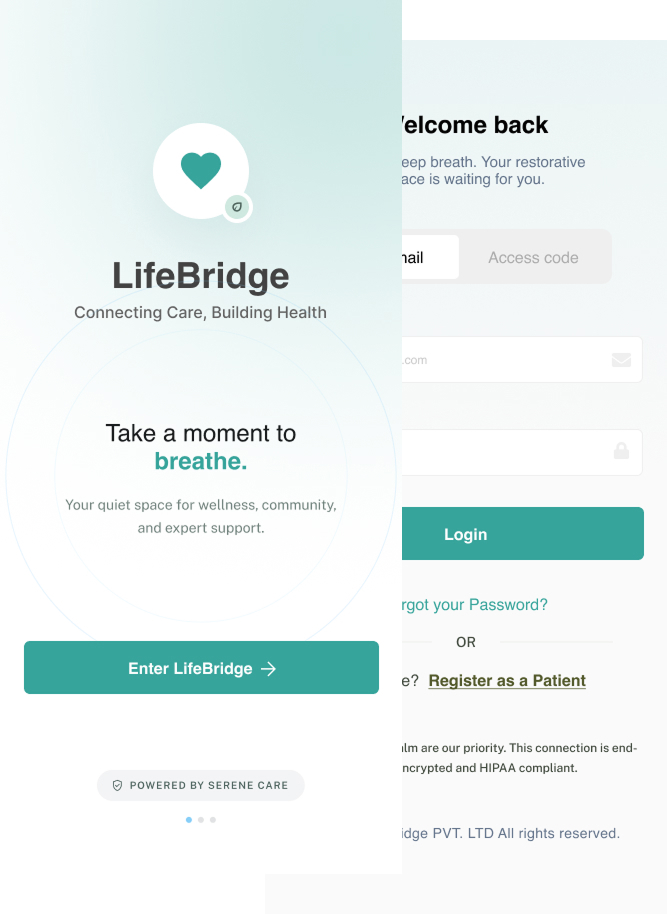
| Admin Efficiency | Caregiver Productivity | Patient Outcomes |
|---|---|---|
|
42%
Reduction in admin overhead
|
35%
More patient visits per day
|
61%
Patient satisfaction scores
|
Founded in 2019 in response to a critical shortage of coordinated care services across underserved communities, LifeBridge set out to address one of the most pressing challenges in modern healthcare: the disconnect between care planning, care delivery, and patient engagement.
What started as a small pilot program serving 200 patients across 3 neighbourhoods has grown into a fully scaled operation managing over 14,000 active patients, 380 caregivers, and 22 administrative staff — all coordinated through the LifeBridge platform.
To ensure that every individual in our community receives continuous, compassionate, and coordinated care — regardless of geography, income, or mobility constraints.
A world where no patient falls through the cracks of the healthcare system, and every caregiver has the tools and support needed to deliver their best work
22 administrators manage scheduling, compliance, reporting, resource allocation, and stakeholder communications
380 caregivers including nurses, home health aides, social workers, and therapy specialists
14,000+ active patients spanning elderly care, chronic disease management, and post-hospital recovery
Prior to implementing LifeBridge, the administrative layer at Community Care Management operated on a patchwork of spreadsheets, email chains, and a legacy case management system that hadn't been updated in over a decade.

LifeBridge's AI-assisted scheduling engine automatically matches caregiver availability, skill sets, and patient acuity levels. Administrators set parameters; the system generates optimal daily rosters, flags conflicts, and auto-reroutes assignments when emergencies arise.
All documentation — care plans, medication logs, incident reports, and consent forms — are digitized and stored with version control. The compliance module runs automated checks against regulatory frameworks, generating pre-audit readiness reports in real time.
Administrators access live dashboards showing caseload distribution, caregiver performance metrics, patient visit completion rates, and budget utilization. Custom report generation reduced reporting time from 6 hours to under 30 minutes.
A dedicated onboarding module digitizes credential verification, background checks, training completion tracking, and policy acknowledgment. New caregiver activation time dropped from 21 days to 4 days.
My primary goal was to create a simple navigation which allow user to easily navigate through their product seamlessly and allow smooth checkout.
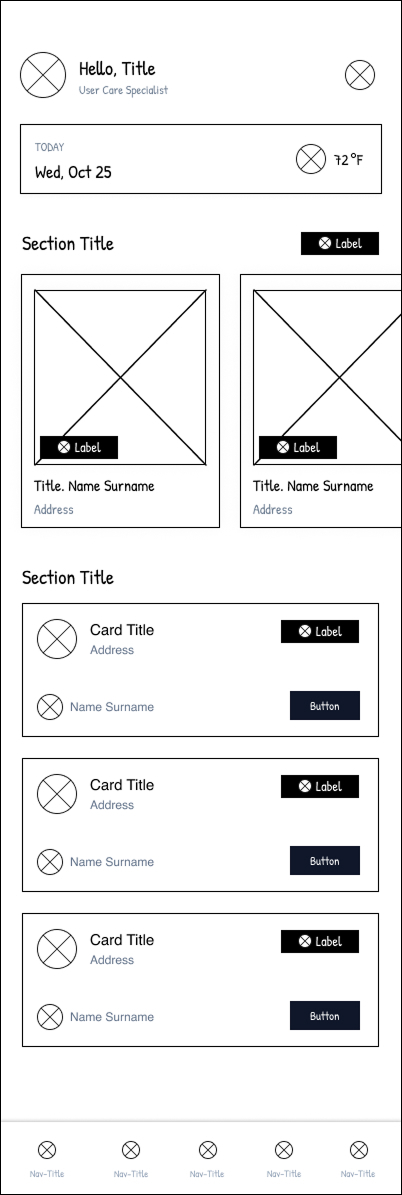
After identifying key user pain points related to navigation, browsing, and the checkout process, I proceeded to sketch paper wireframes for each screen of the app. During this phase, my primary goal was to address these issues through thoughtful layout and interaction design.
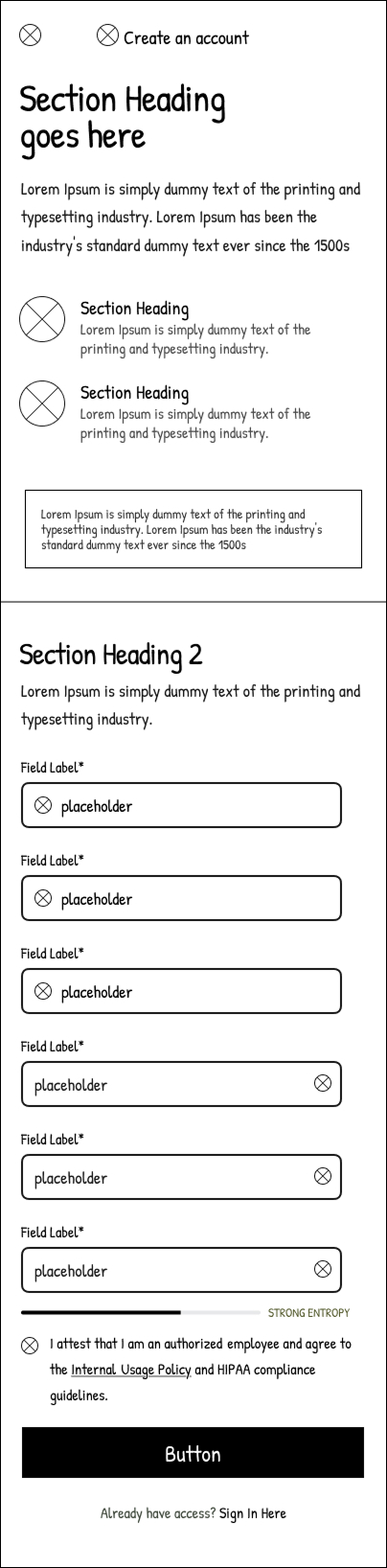
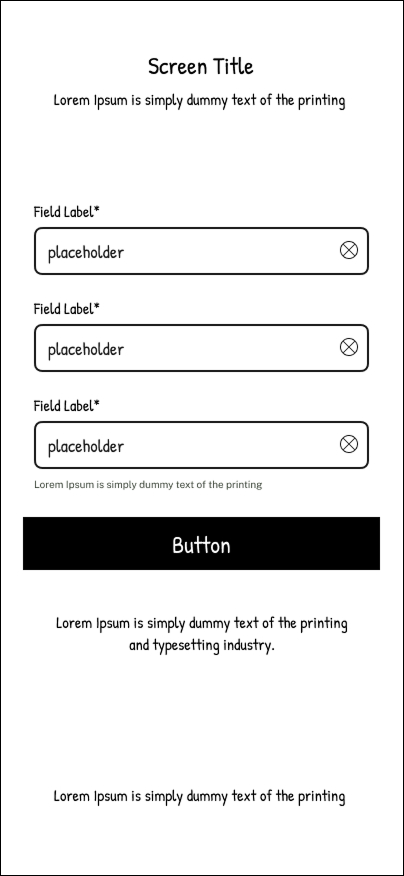
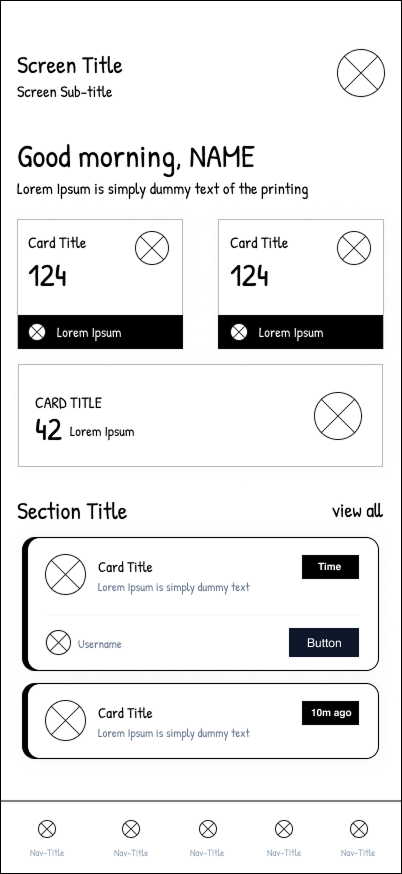
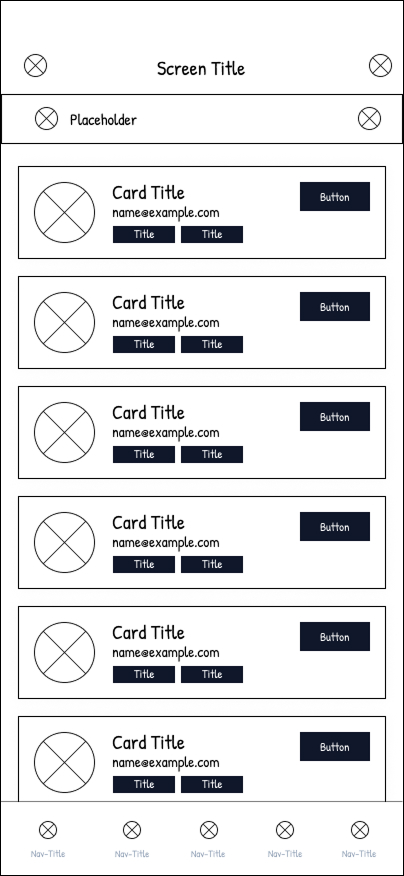
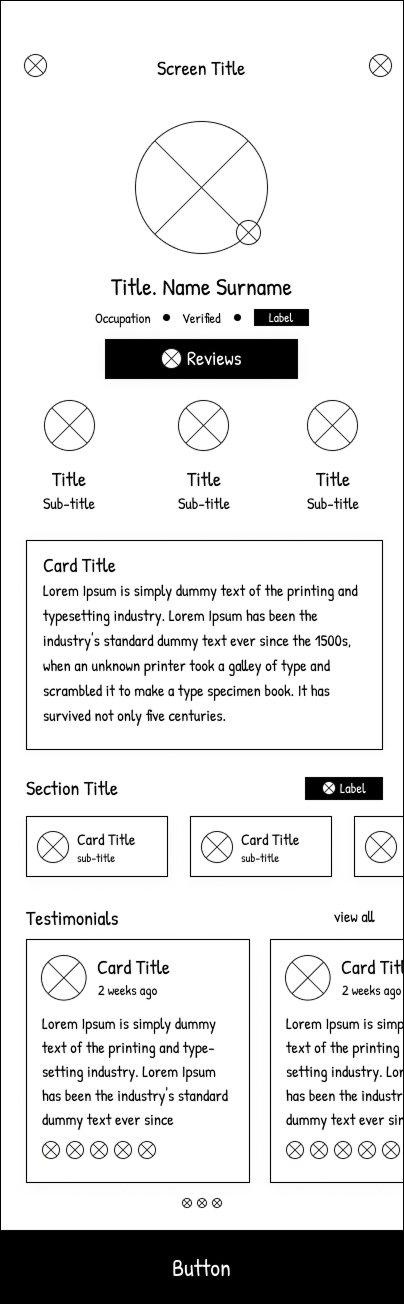
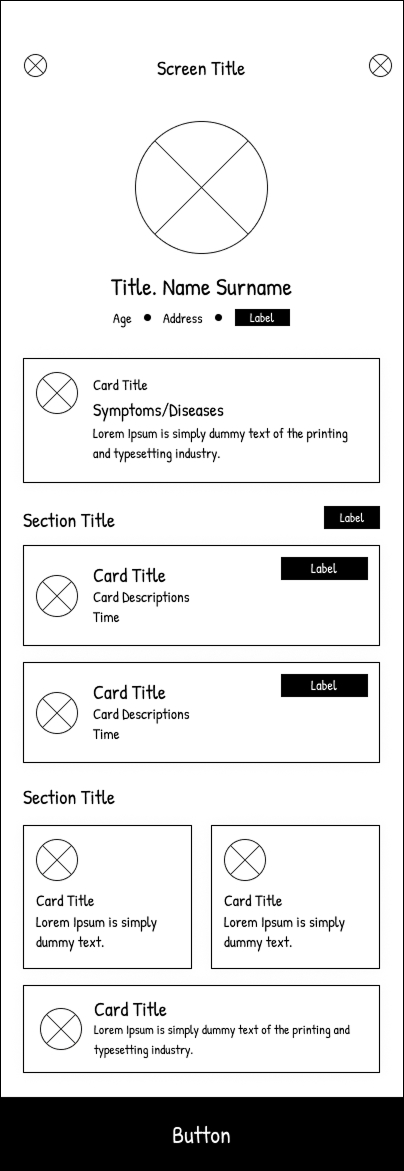
After identifying key user pain points related to navigation, browsing, and the checkout process, I proceeded to sketch paper wireframes for each screen of the app. During this phase, my primary goal was to address these issues through thoughtful layout and interaction design.
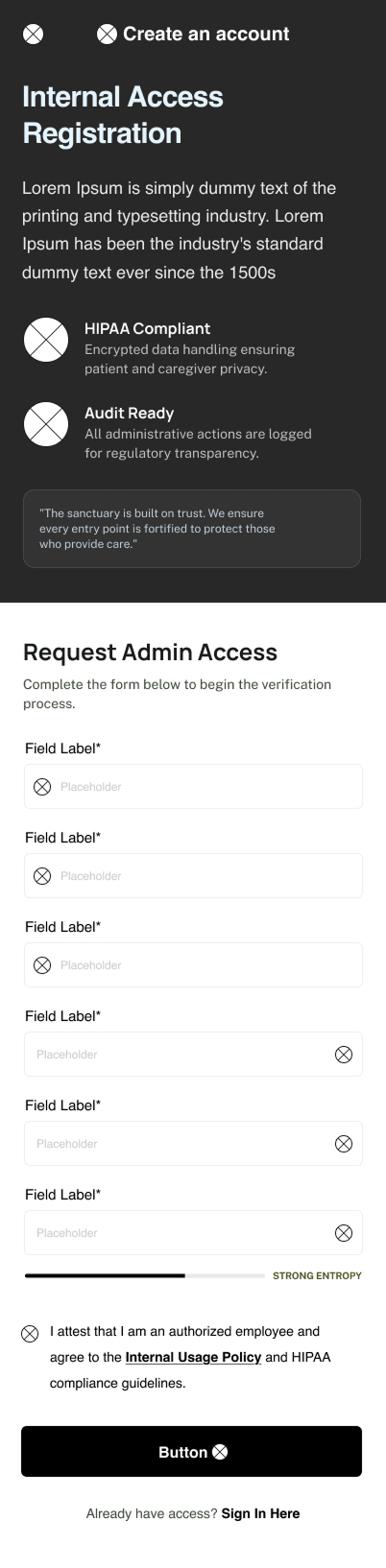
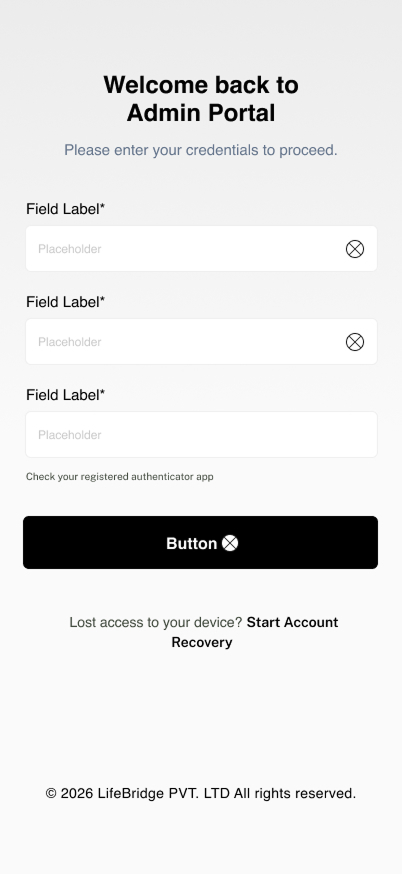
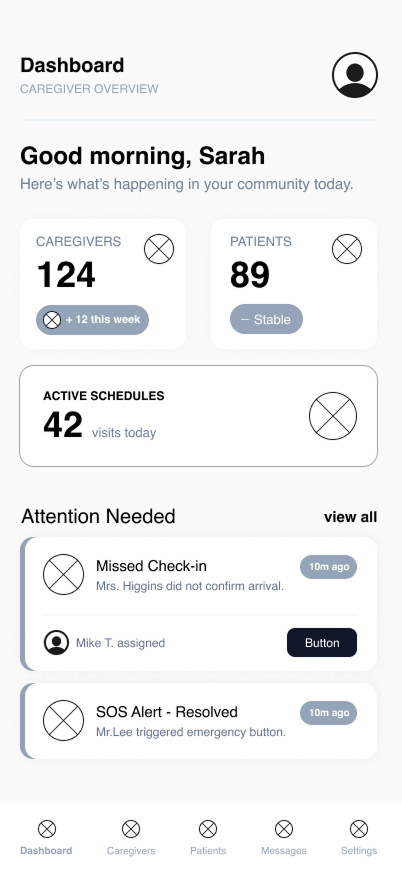
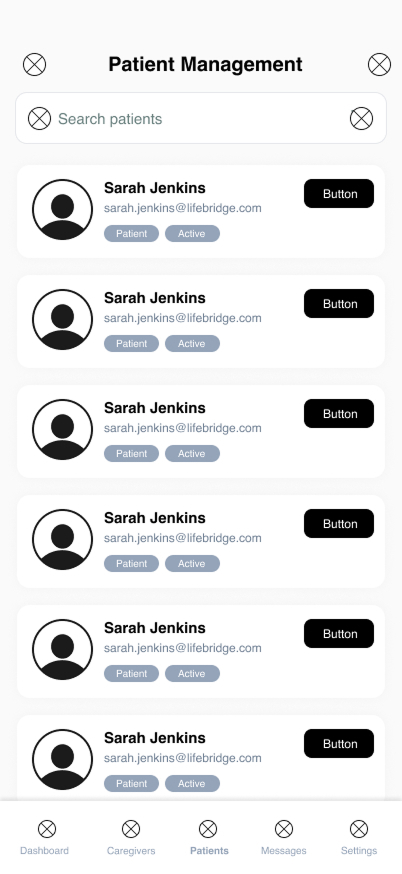
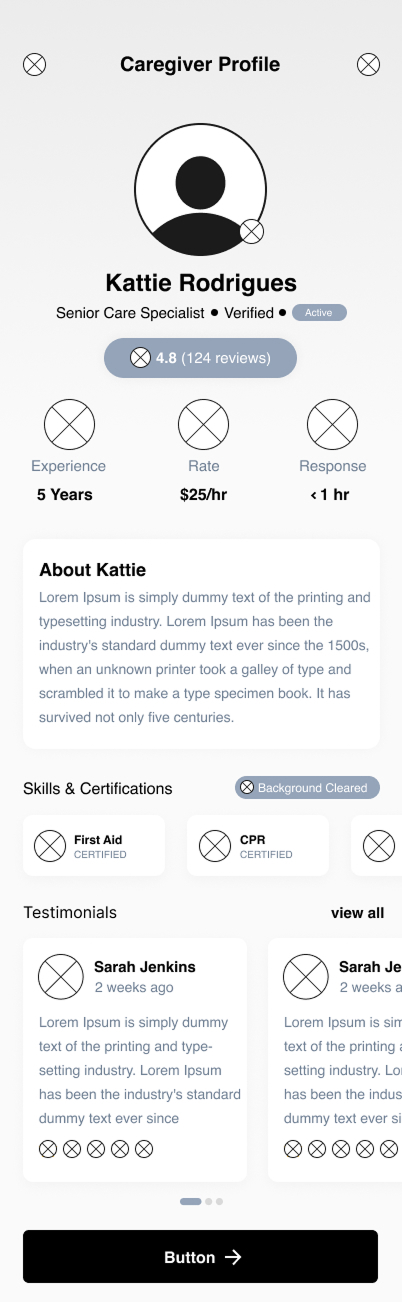
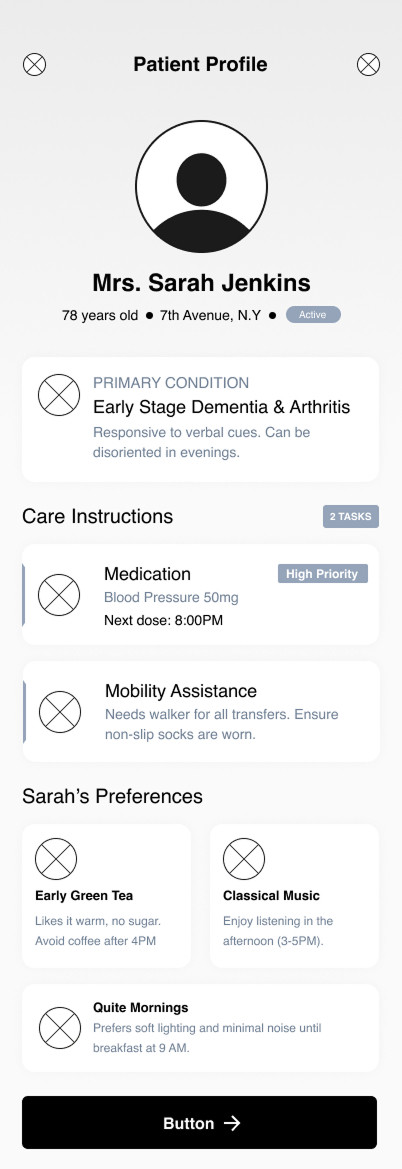
After identifying key user pain points related to navigation, browsing, and the checkout process, I proceeded to sketch paper wireframes for each screen of the app. During this phase, my primary goal was to address these issues through thoughtful layout and interaction design.
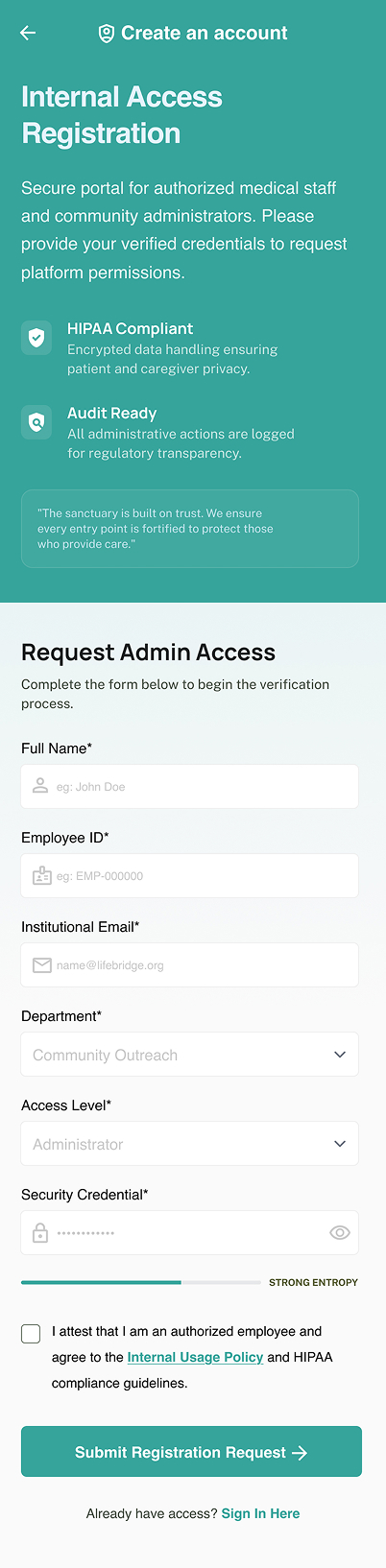
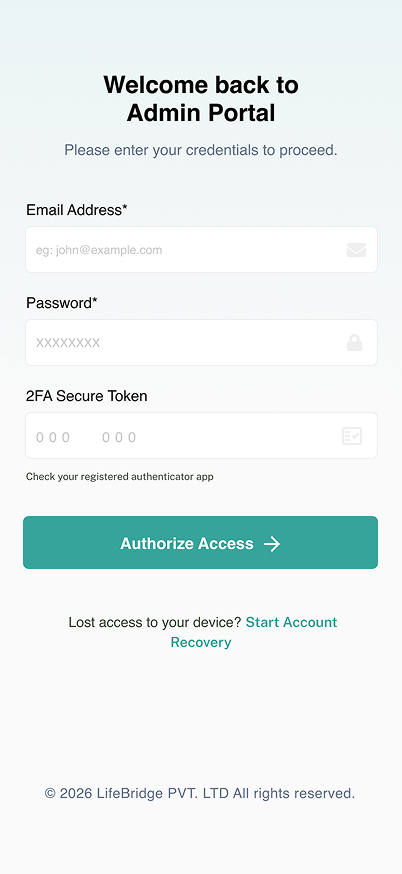
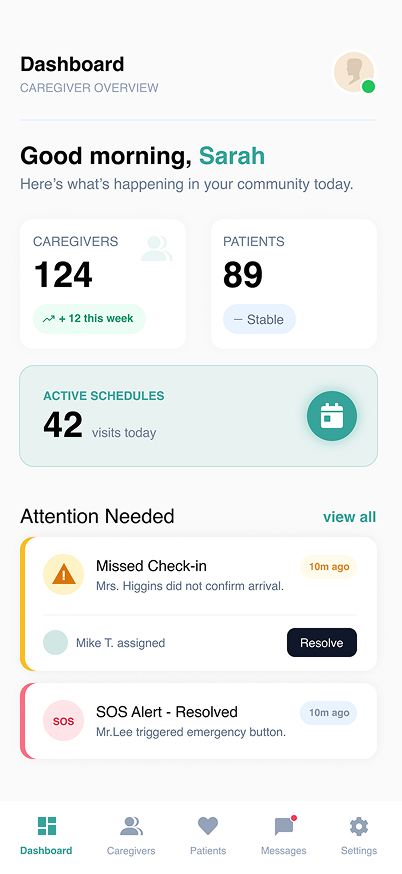
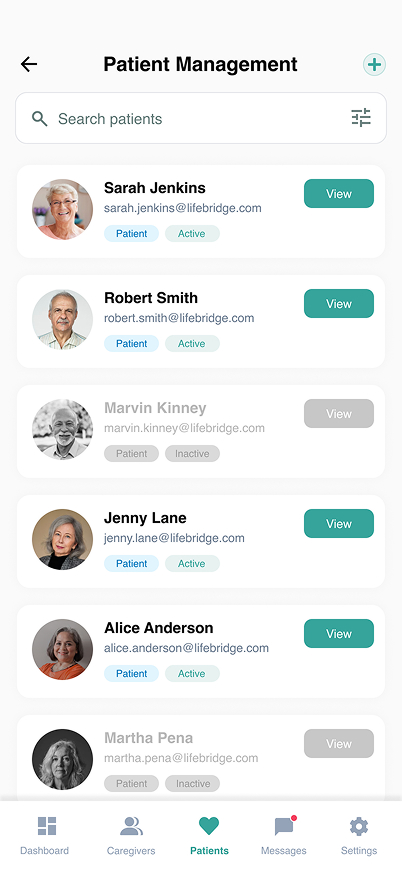
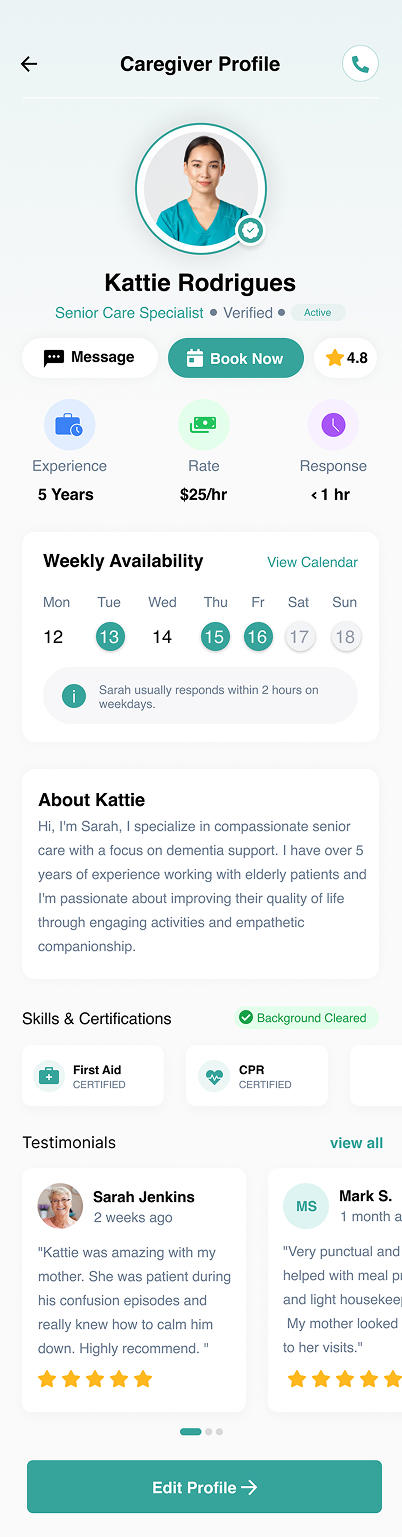
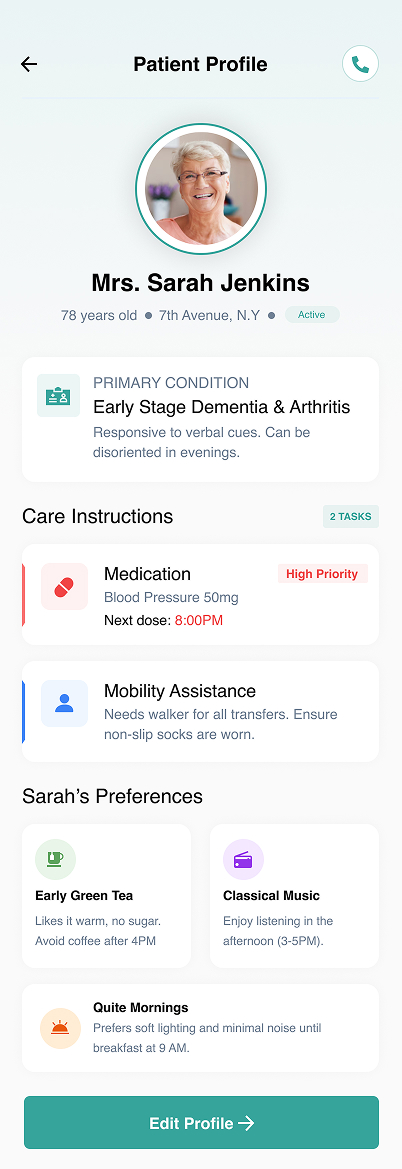
Caregivers were the most significantly impacted group by the pre-LifeBridge operational model. Working across dispersed geographic zones with limited communication infrastructure, they faced daily operational hurdles that directly affected care quality and personal burnout rates.
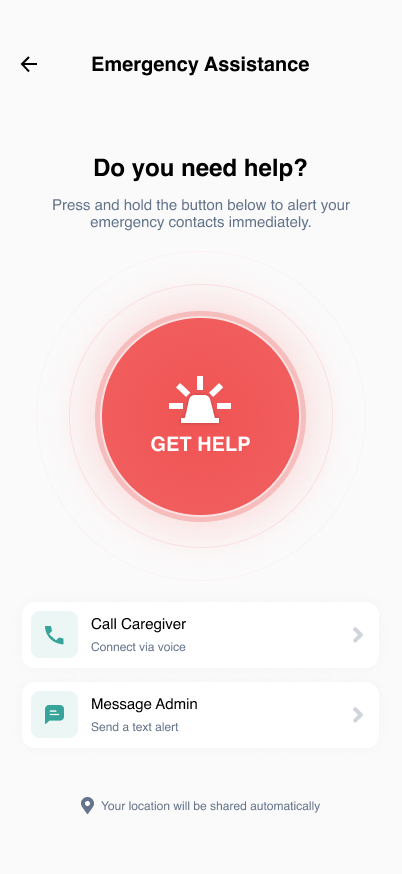
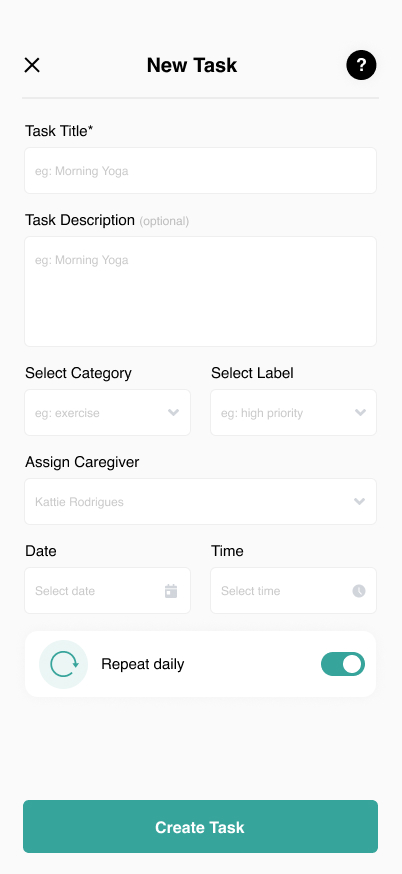
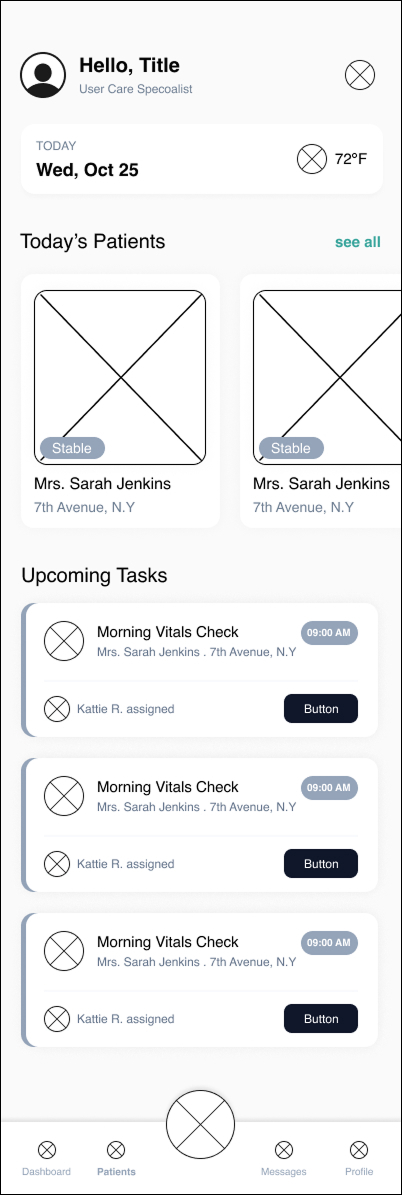
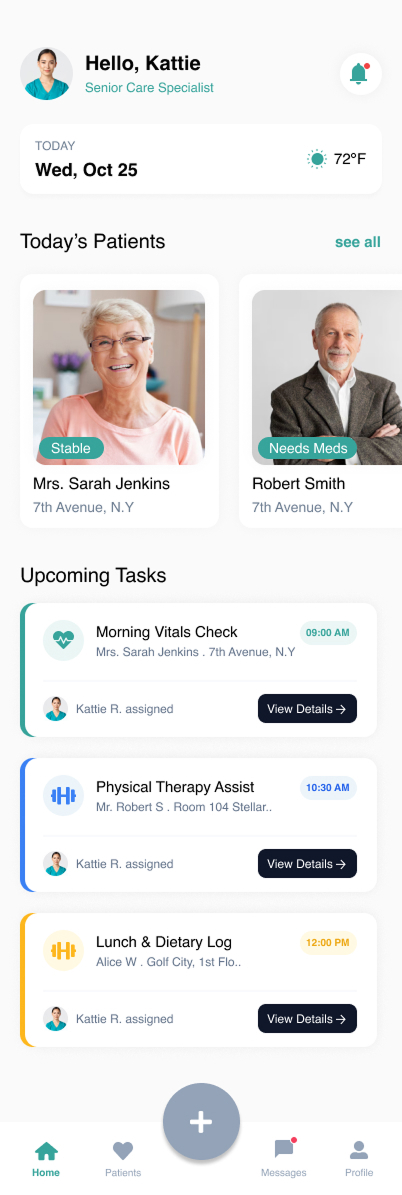
The LifeBridge mobile application provides each caregiver with a personalized daily dashboard: their assigned patients, updated care plans, visit schedules, and priority alerts. All information is synchronized in real time, ensuring caregivers always work from the latest data.
Caregivers complete structured digital visit logs directly from their phones — capturing vitals, interventions, medications administered, and patient-reported observations. Voice-to-text integration reduced documentation time by 65%.
Integrated GPS routing, informed by real-time traffic and patient priority weighting, generates efficient daily routes. Caregivers save an average of 55 minutes per day previously lost to unoptimized travel.
A HIPAA-compliant messaging layer enables direct comm- unication between caregivers, supervisors, and clinical leads. Urgent case flags surface immediately to on-call supervisors, replacing the unreliable phone-call escalation model.
My primary goal was to create a simple navigation which allow user to easily navigate through their product seamlessly and allow smooth checkout.
After identifying key user pain points related to navigation, browsing, and the checkout process, I proceeded to sketch paper wireframes for each screen of the app. During this phase, my primary goal was to address these issues through thoughtful layout and interaction design.
.jpg)
.jpg)
.jpg)
.jpg)

.jpg)
.jpg)
After identifying key user pain points related to navigation, browsing, and the checkout process, I proceeded to sketch paper wireframes for each screen of the app. During this phase, my primary goal was to address these issues through thoughtful layout and interaction design.
.jpg)
.jpg)
.jpg)
.jpg)

.jpg)
.jpg)
After identifying key user pain points related to navigation, browsing, and the checkout process, I proceeded to sketch paper wireframes for each screen of the app. During this phase, my primary goal was to address these issues through thoughtful layout and interaction design.
.jpg)
.jpg)
.jpg)
.jpg)

.jpg)
.jpg)
Patients — and their families — experienced the consequences of an uncoordinated care system most acutely. With no single point of contact, no visibility into their own care plans, and inconsistent caregiver assignments, many patients felt anxious, disempowered, and disconnected from their healthcare journey.
Patients and their authorized family members access a secure portal showing current care plans, upcoming visits, assigned care team members, and health progress notes. The portal is available via web and is a simplified mobile app designed for elderly users.
Automated medication reminders are sent via SMS, app notification, or phone call — based on patient preference. Caregivers see real-time adherence data during visits, enabling them to intervene immediately when patterns of non-adherence emerge.
LifeBridge's scheduling engine prioritizes caregiver continuity — matching the same caregivers to the same patients whenever possible. Continuity of care assignment increased from 54% to 89% within 6 months of deployment
Designated family contacts receive structured, privacy-compliant updates after each care visit. The family dashboard shows recent visit summaries, upcoming appointments, and health trend indicators — eliminating anxious phone calls to care coordinators.
After identifying key user pain points related to navigation, browsing, and the checkout process, I proceeded to sketch paper wireframes for each screen of the app. During this phase, my primary goal was to address these issues through thoughtful layout and interaction design.

.jpg)
.jpg)
.jpg)
.jpg)
.jpg)
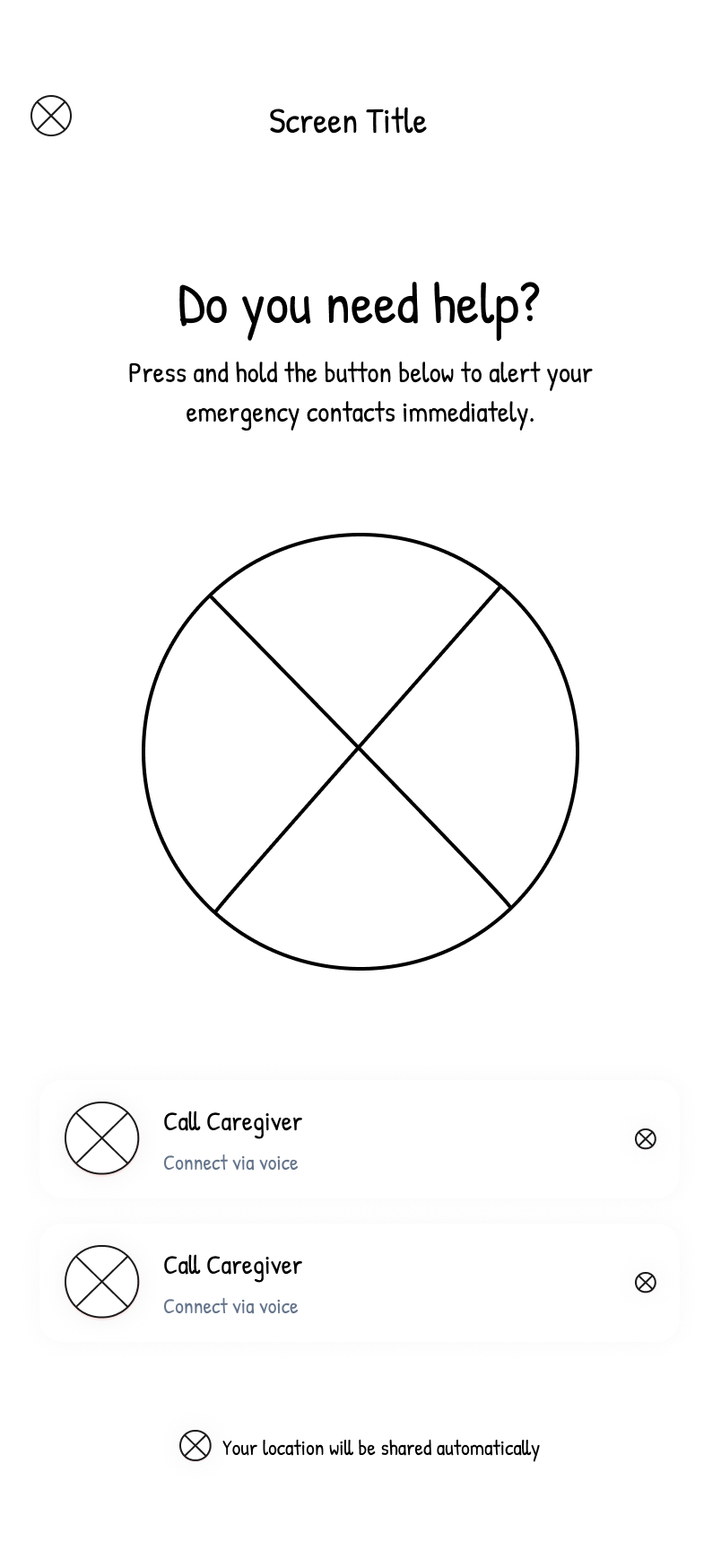
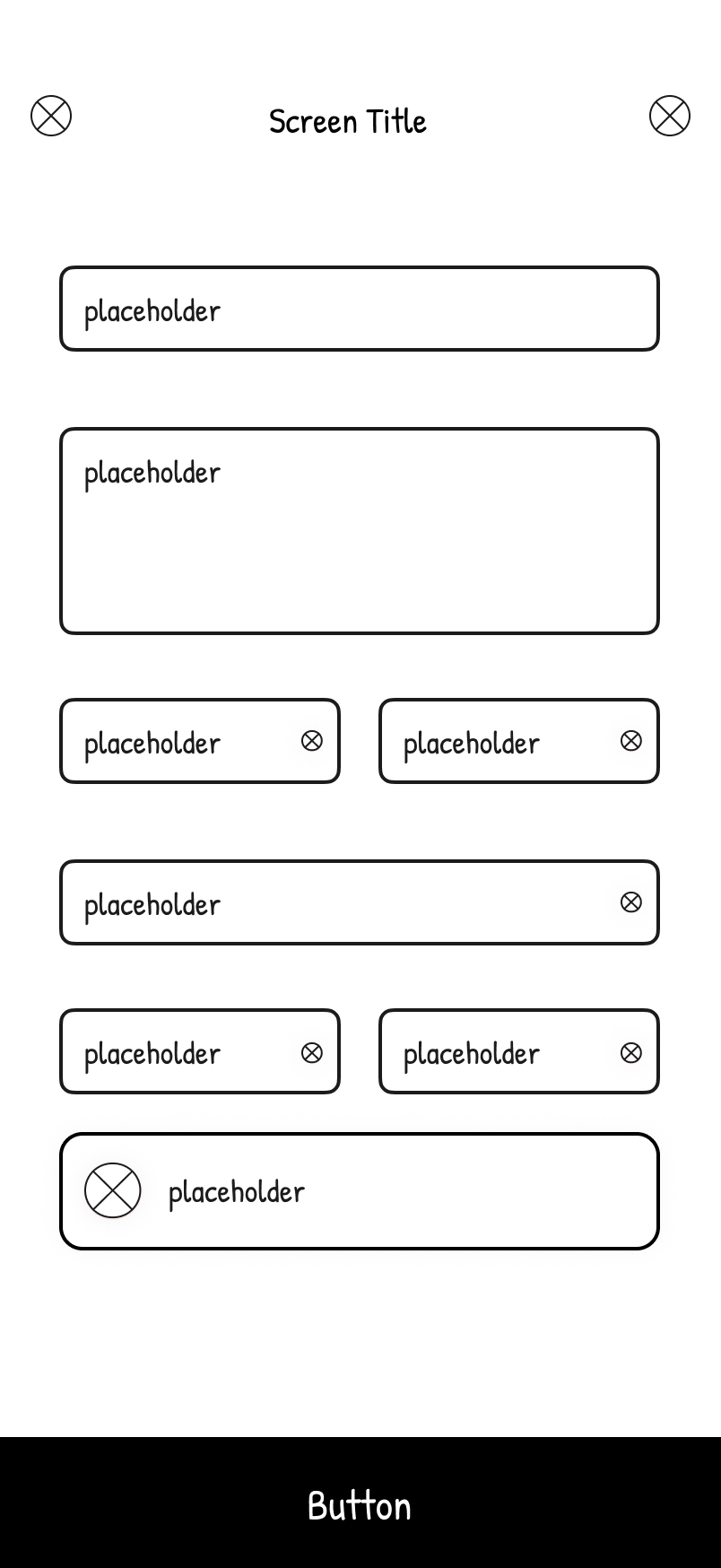
After identifying key user pain points related to navigation, browsing, and the checkout process, I proceeded to sketch paper wireframes for each screen of the app. During this phase, my primary goal was to address these issues through thoughtful layout and interaction design.
.jpg)
.jpg)
.jpg)
.jpg)
.jpg)
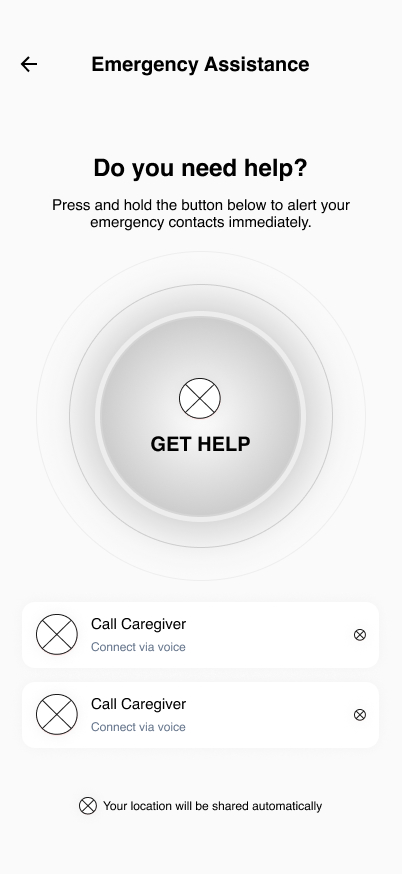
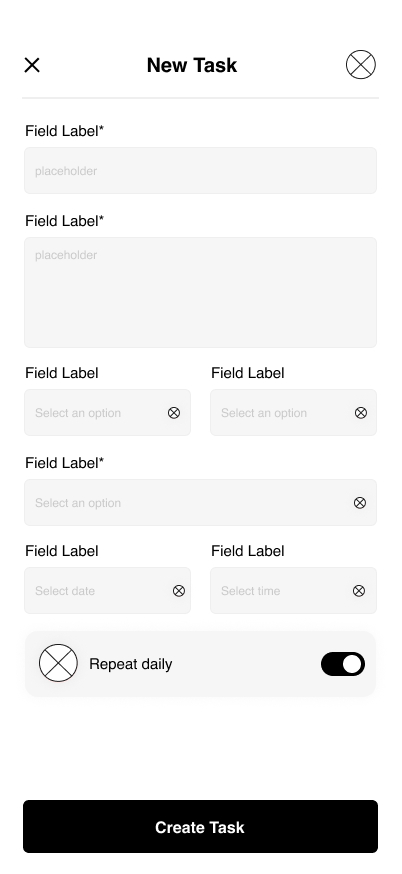
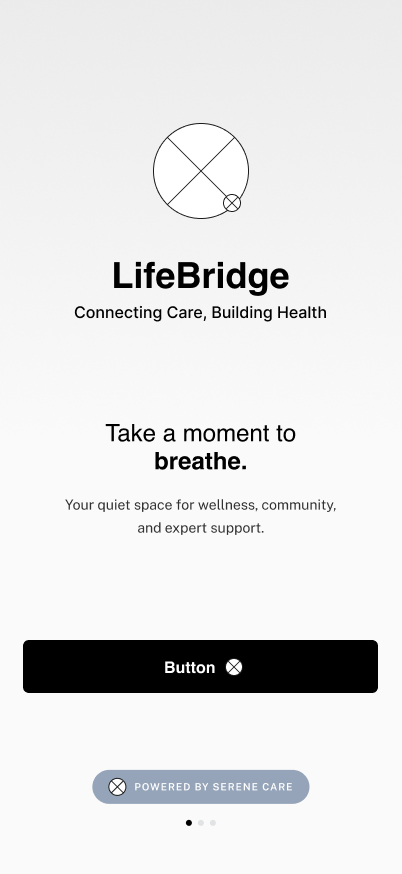
After identifying key user pain points related to navigation, browsing, and the checkout process, I proceeded to sketch paper wireframes for each screen of the app. During this phase, my primary goal was to address these issues through thoughtful layout and interaction design.
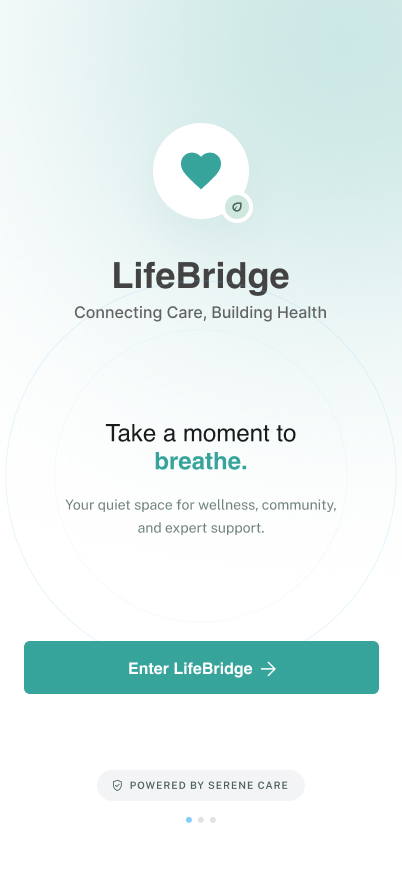
.jpg)
.jpg)
.jpg)
.jpg)
.jpg)